Watchlist

Everything You Watch, in One List

Stocks, crypto, ETFs, currencies and commodities together. Nothing over the limit gets deleted — if the plan expires, the lists remain, read-only.

Placeholder · Screenshot Watchlist, every asset class
01

One List, Every Asset Class


Stocks, ETFs, crypto, currencies, indices and commodities sit in the same list. Prices update on their own; reordering is manual, so the list follows your priorities.

  • Every class, one listStocks, ETF, crypto, currencies, indices and commodities together. Placeholder · Video or photo Every class, one list
  • Opens without changing pageClick a symbol and its title panel opens on top of the list. Placeholder · Video or photo Opens without changing page
  • Free: 1 list, 20 symbolsStarter: 10 lists, unlimited symbols. Pro: unlimited lists. Placeholder · Video or photo Free: 1 list, 20 symbols
  • Nothing gets deletedPast a plan's limit, lists remain — read-only, until you upgrade. Placeholder · Video or photo Nothing gets deleted
Placeholder · One list mixing stocks, crypto and FX
Placeholder · Full-screen chart opened from a search
02

Write the Symbol. The Rest Is Screen.


A search box and nothing else: type a symbol and the chart opens full screen, with the interval and indicators your plan unlocks.

  • Six intervals5m, 15m, 1h, 4h, 1D and 1W — Free is limited to daily and weekly. Placeholder · Video or photo Six intervals
  • Nine indicatorsEMA, VWAP and RSI for everyone; six more on Pro, without limit. Placeholder · Video or photo Nine indicators
  • Compare two symbolsFrom Starter up, alongside floating chart windows. Placeholder · Video or photo Compare two symbols
  • Drawings saved to your accountNot to a browser — open the same chart on another device. Placeholder · Video or photo Drawings saved to your account
03

Two Ways Into the Same Name


A click from the list opens the quick panel. A search opens the full chart. Watchlist is the most-opened page after the dashboard; Chart is the shortcut next to it.

  • Manual reorderingDrag a row to put today's priorities at the top. Placeholder · Video or photo Manual reordering
  • Quick panel from the listClick a row for the title panel, without leaving Watchlist. Placeholder · Video or photo Quick panel from the list
  • Full chart from searchType a symbol anywhere and the chart opens full screen. Placeholder · Video or photo Full chart from search
  • Floating windows, unlimited on ProTwo on Starter, no limit once you're on Pro. Placeholder · Video or photo Floating windows, unlimited on Pro
Placeholder · Title panel opened from a list row
Features

Everything Inside Watchlist

The full toolkit, built for speed and clarity.

See It in Action

Take Your Seat at the Desk

Join the traders who start every session with NNT. Your edge is one signup away.

Get Started
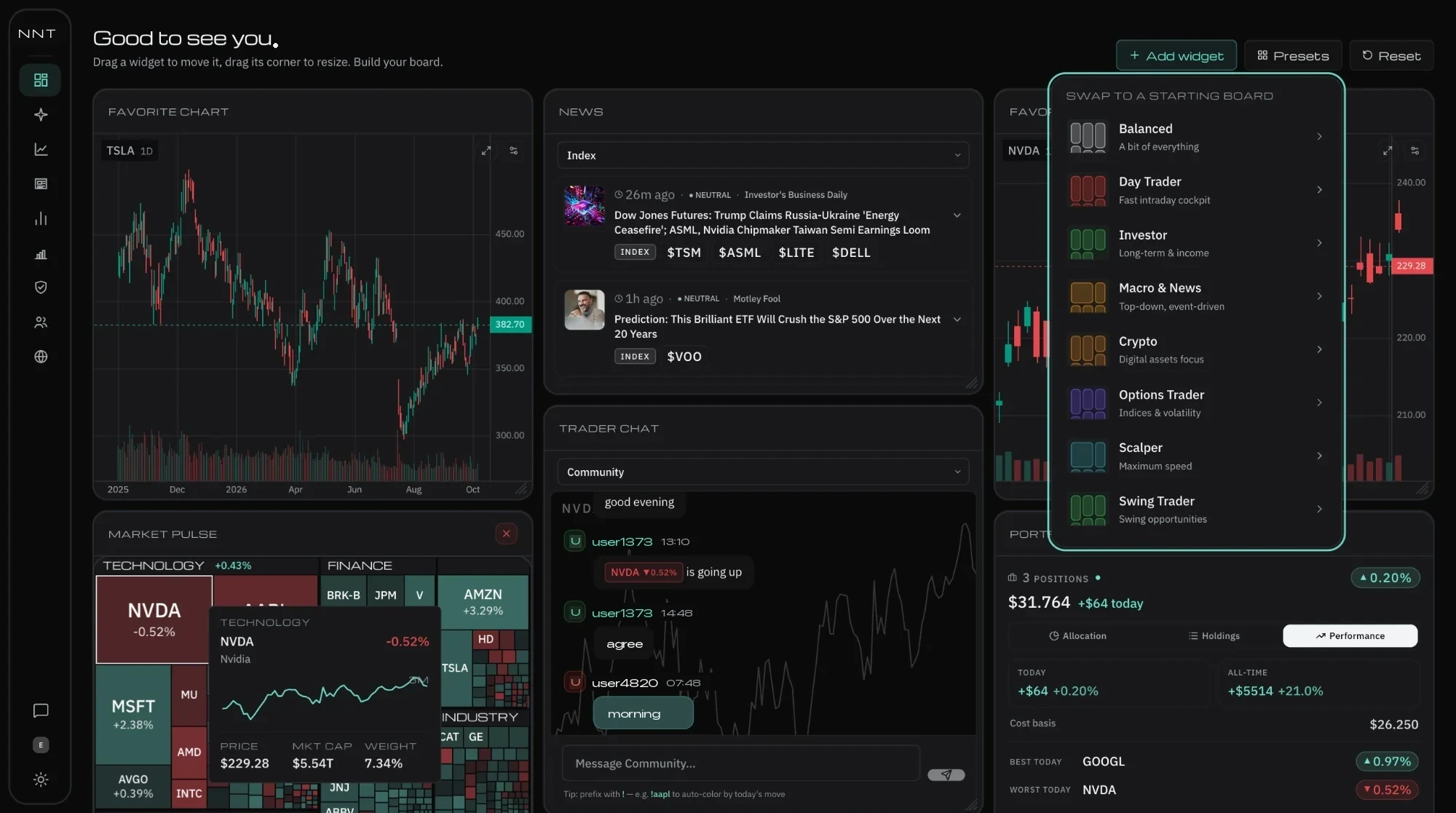
The NNT dashboard: market heatmap, live TV and the news column side by side
Placeholder · Screenshot dashboard NNT

← Back to home